Facebook Marketplace Help: Access, Buying, Scam Safety
How to get access to Facebook Marketplace, buy and sell safely, meet locally, check a used car, and recognise the payment scams that target buyers and sellers.
Marketplace is Facebook's built-in local buy-and-sell layer: no separate account, no seller verification beyond having a Facebook profile, and mostly local pickup rather than shipping. That combination is what makes it useful and what makes it worth a little caution.
Getting started
New to Marketplace, or the tab is not showing up? Getting access covers the account requirements. Once you are in, how Marketplace actually works explains the local-only default, why some listings ship nationwide anyway, and what protection does and does not apply.
Buying
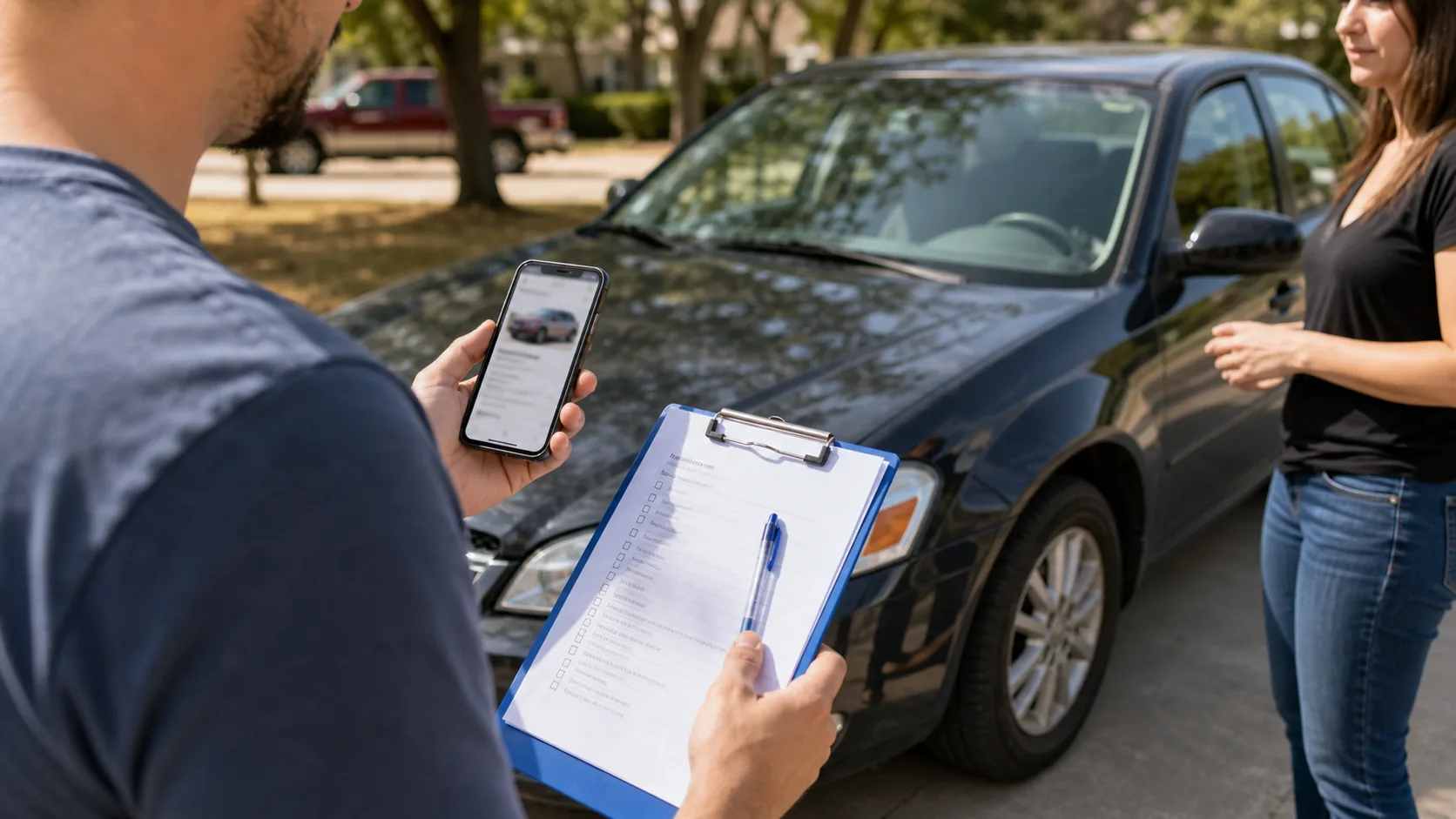
Set your search radius before anything else — local-only search covers how that setting works and why non-local listings sometimes still appear. Shopping for a vehicle specifically has its own checks; see buying a car on Marketplace. Every buyer should read Marketplace scams to avoid before sending any payment.
Selling
Creating a listing that actually sells covers pricing, photos, and category selection. If a listing says OBO, or you are deciding whether to use it on your own, what OBO means explains the negotiation signal it sends.
Troubleshooting
Tab missing, listings not loading, or messages not sending? Marketplace not working covers symptom-first checks for device or network failures, search location, eligibility, account restrictions, messaging, listings, and wider outages.
All Marketplace guides (11)
 Facebook Marketplace CarsA practical guide to browsing Facebook Marketplace cars, checking listings, and avoiding common risks.Updated 2026-07-18
 Facebook Marketplace Knoxville: Local Buying and Selling GuideBuying and selling on Facebook Marketplace in Knoxville: setting your search radius for East Tennessee, safe meetup spots, and Tennessee-specific vehicle title rules.Updated 2026-08-24
- Facebook Marketplace Local Only: What It Means and How to Set ItFacebook Marketplace shows local listings by default. How the location and radius settings work, why some listings appear from farther away, and how to adjust them.Updated 2026-08-24
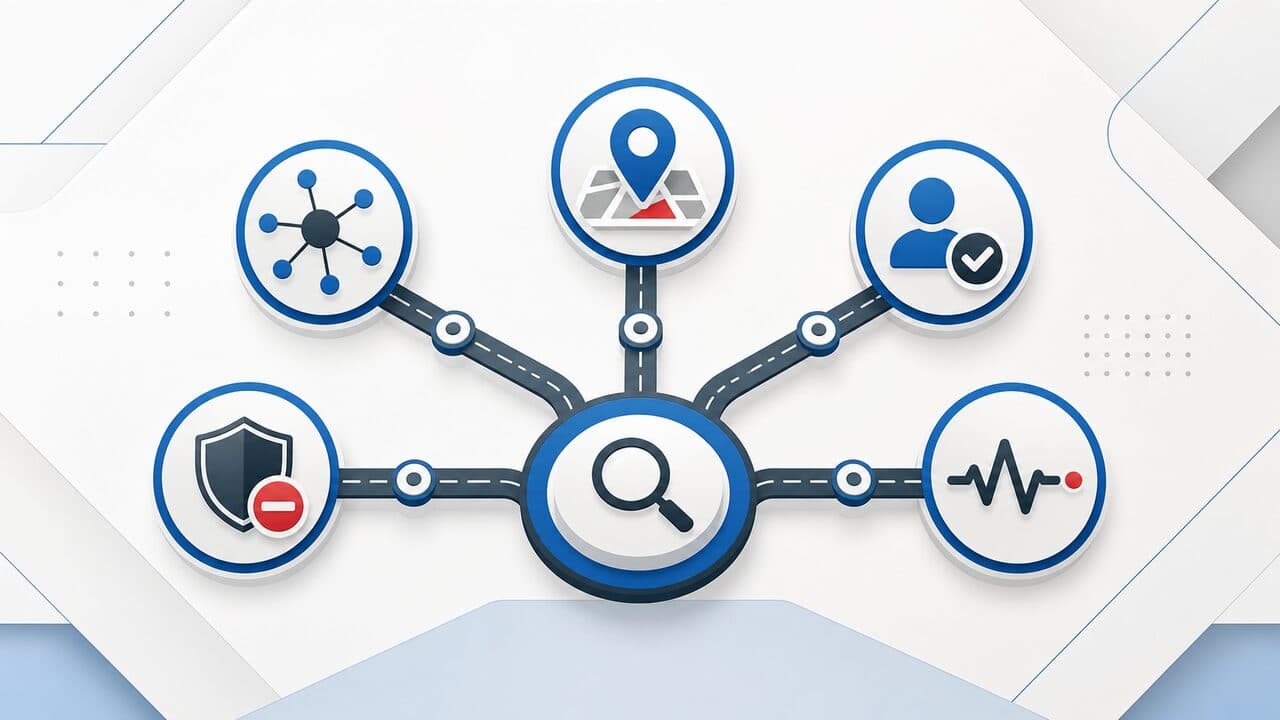 Facebook Marketplace Not Working? How to Fix ItDiagnose a missing Marketplace entry, wrong results, listing or message failures, restrictions, device errors, and possible outages by symptom.Updated 2026-08-29
 Facebook Marketplace Scams to AvoidCheck a Facebook Marketplace deal at each stage, from the listing and first message through payment, pickup or shipping, and reporting.Updated 2026-08-29
- How Does Facebook Marketplace Work?How Facebook Marketplace actually works: local-only by default, no purchase protection outside shipped orders, and how listings, messaging, and payment fit together.Updated 2026-08-24
 How to Buy a Car on Facebook MarketplaceA buyer-focused checklist for finding, checking, and safely buying a car through Facebook Marketplace.Updated 2026-07-18
- How to Get on Facebook MarketplaceGet access to Facebook Marketplace from the app or website, why the tab sometimes does not appear, and the account requirements that decide eligibility.Updated 2026-08-24
- How to Sell on Facebook MarketplaceCreate a Facebook Marketplace listing that actually sells: the fields that matter, pricing and photo tips, and how to handle messages and meetups safely.Updated 2026-08-24
 Items for Sale on Facebook MarketplaceHow to browse items for sale on Facebook Marketplace, compare listings, and avoid risky transactions.Updated 2026-07-18
- What Does OBO Mean on Facebook Marketplace?OBO on Facebook Marketplace means 'or best offer' — the seller will consider offers below the listed price. What it signals and how to make or respond to one.Updated 2026-08-24