Fake Facebook Login URL Checker
Paste a suspicious Facebook login URL and check for basic red flags without connecting to Facebook.
Quick answer
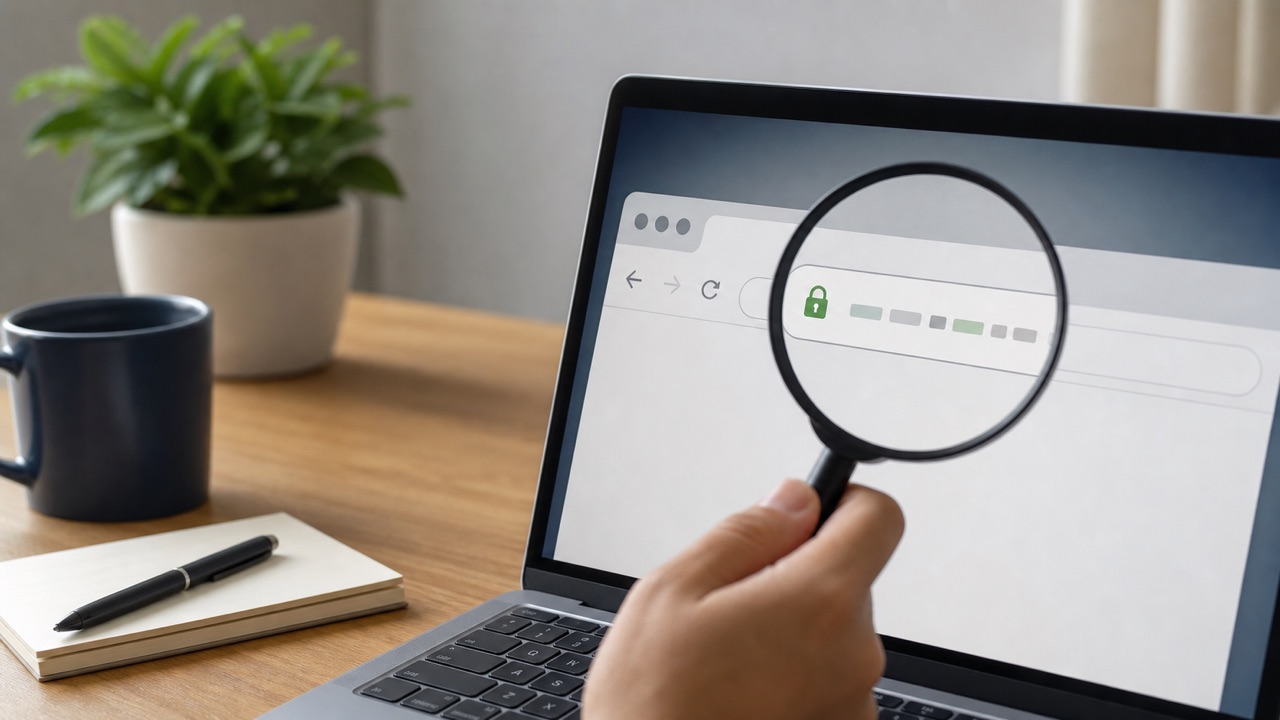
Do not paste a sensitive link into an unknown checker. Inspect the domain locally: the registered domain must be facebook.com, with no misspelling or unrelated ending before the first slash. When in doubt, close the link and open Facebook directly.
What this means
This guide is a manual checker, not a service that visits a suspicious URL. That avoids exposing tokens or tracking parameters that can be embedded in login and recovery links.
Facebook changes labels and rolls out account features gradually. The exact wording on your device can differ from screenshots or older guides, but the underlying task should remain inside the official app, facebook.com, or Accounts Center. Read the page that appears on your own account instead of forcing a menu path that is no longer present.
Step-by-step
- Copy the visible text without opening it and identify the portion between https:// and the first slash.
- Read the hostname from right to left and confirm the ending is exactly facebook.com.
- Reject look-alike spellings, extra hyphens, unrelated domains, and shortened links when credentials are requested.
- Open facebook.com independently and check Support Inbox for the claimed warning.
- If credentials were entered, change Facebook and email passwords and end unrecognized sessions.
Checks before you continue
- A padlock does not prove the site is Facebook.
- Do not post password-reset URLs publicly because they may contain temporary tokens.
- A subdomain such as facebook.example.com belongs to example.com.
- A password manager refusing to fill is an important warning.
Common reasons it does not work
- Mobile interfaces can hide parts of a hostname.
- Unicode characters can imitate familiar letters.
- A friend's compromised account can send a phishing link.
If the result is different from what this guide describes, stop and note the exact message. Try the desktop website if the app hides a setting, update the app if a menu is incomplete, and use a familiar device for identity or recovery checks. Avoid repeating the same request many times because temporary rate limits can make diagnosis harder.
Safety and privacy notes
Use this checklist as a decision aid, not as an automated guarantee. Keep sensitive URLs, passwords, payment details, recovery codes, and identity documents out of third-party forms and shared screenshots.
Never use remote-access software or share a screen with an unknown “support agent.” Facebook does not need your password, two-factor code, gift card, or cryptocurrency payment to complete a normal account setting. When a permanent action is involved, keep an independent backup of the information and access records you may need later.
Official source
Review Facebook Help Center: Avoiding scams on Facebook for the latest labels and eligibility rules. This guide explains the process in plain language, but the options displayed by Facebook for your account are the final authority.
Fake Facebook Login URL Checker
Frequently Asked Questions
Is this a full security scanner?
No. It checks simple URL warning signs only. Do not enter passwords on pages you do not trust.