Facebook Latitude and Location Privacy
A plain-English guide for searches about Facebook latitude, location settings, and privacy checks.
Quick answer
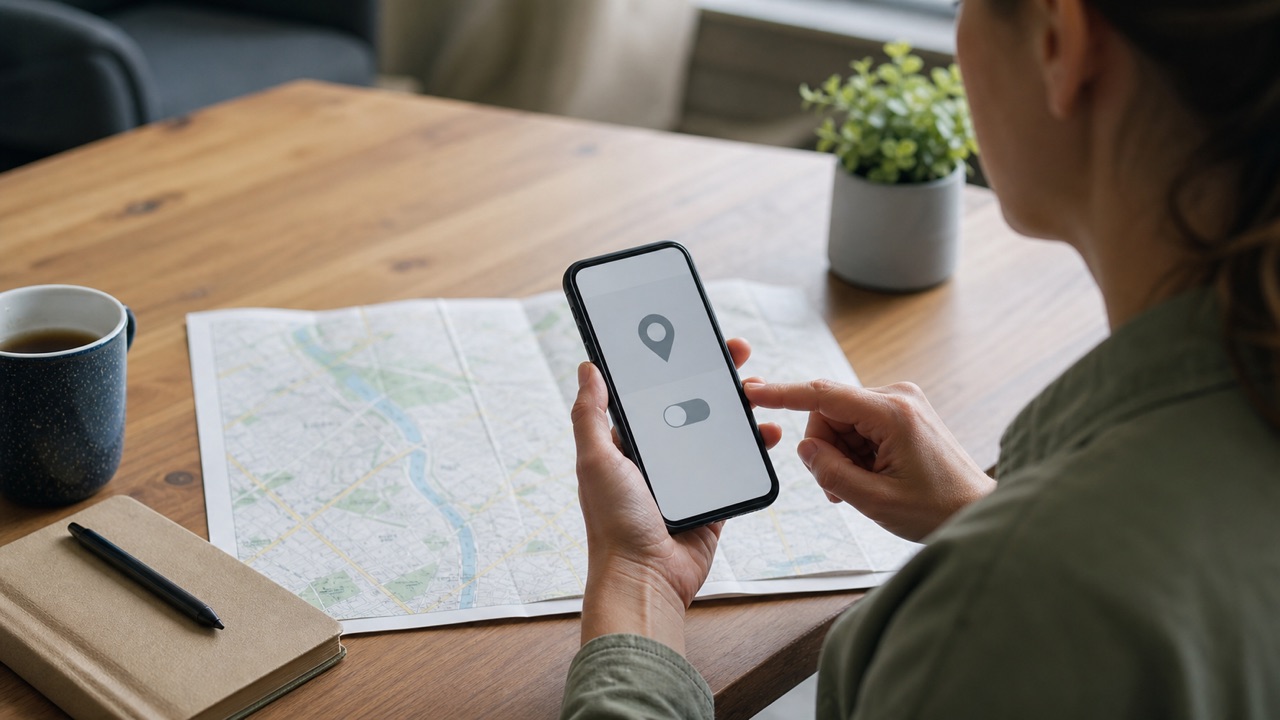
‘Facebook Latitude’ usually refers to Facebook location features rather than a current standalone product. Review the phone's location permission, Facebook's location settings, check-ins, post audiences, and any location history shown in your account.
What this means
Location can be revealed by several layers: device permission, photo metadata, check-ins, Marketplace radius, live-location sharing, or text in posts. Turning off one setting does not remove locations already shared.
Facebook changes labels and rolls out account features gradually. The exact wording on your device can differ from screenshots or older guides, but the underlying task should remain inside the official app, facebook.com, or Accounts Center. Read the page that appears on your own account instead of forcing a menu path that is no longer present.
Step-by-step
- Open the phone's privacy settings and review whether Facebook has precise, approximate, background, or no location access.
- Open Facebook settings and search for Location, Privacy Checkup, and activity controls available to the account.
- Review past check-ins, tagged places, public posts, and Marketplace location information.
- Limit the audience of location-related posts and remove inaccurate or unnecessary check-ins.
- Check Messenger or device sharing features separately because they may have independent permissions.
Checks before you continue
- A photo or caption can reveal a place even when GPS permission is off.
- Friends can tag a profile at a location unless review controls are used.
- Marketplace needs a search area but does not require publishing a home address.
- Permission labels differ between iPhone and Android versions.
Common reasons it does not work
- Changes to device permission may not alter older posts.
- Location can be inferred from IP address, network, language, or content.
- A work-managed phone may enforce permissions through organizational policy.
If the result is different from what this guide describes, stop and note the exact message. Try the desktop website if the app hides a setting, update the app if a menu is incomplete, and use a familiar device for identity or recovery checks. Avoid repeating the same request many times because temporary rate limits can make diagnosis harder.
Safety and privacy notes
Privacy settings reduce exposure but cannot control copies that other people already saved. Review the audience on old content, avoid posting sensitive identifiers, and block or report abuse instead of engaging with threatening accounts.
Never use remote-access software or share a screen with an unknown “support agent.” Facebook does not need your password, two-factor code, gift card, or cryptocurrency payment to complete a normal account setting. When a permanent action is involved, keep an independent backup of the information and access records you may need later.
Official source
Review Facebook Help Center: Privacy Checkup for the latest labels and eligibility rules. This guide explains the process in plain language, but the options displayed by Facebook for your account are the final authority.
Frequently Asked Questions
Does this page track my location?
No. This page does not request or collect your location.