How to Buy a Car on Facebook Marketplace
A buyer-focused checklist for finding, checking, and safely buying a car through Facebook Marketplace.
Quick answer
Shortlist cars by realistic price and distance, verify the seller and VIN, inspect and test-drive safely, pay for an independent mechanic, check title and lien status, and complete payment and transfer only after every document matches.
What this means
Buying from a private seller can reduce dealer overhead but shifts due diligence to the buyer. Build time for inspection and paperwork into the process; pressure to skip either is a reason to leave.
Facebook changes labels and rolls out account features gradually. The exact wording on your device can differ from screenshots or older guides, but the underlying task should remain inside the official app, facebook.com, or Accounts Center. Read the page that appears on your own account instead of forcing a menu path that is no longer present.
Step-by-step
- Set a total budget that includes tax, registration, insurance, immediate maintenance, and inspection.
- Ask consistent questions about mileage, title, accidents, warning lights, service history, and ownership.
- Obtain the VIN, compare it across the car and documents, and check recalls and vehicle history.
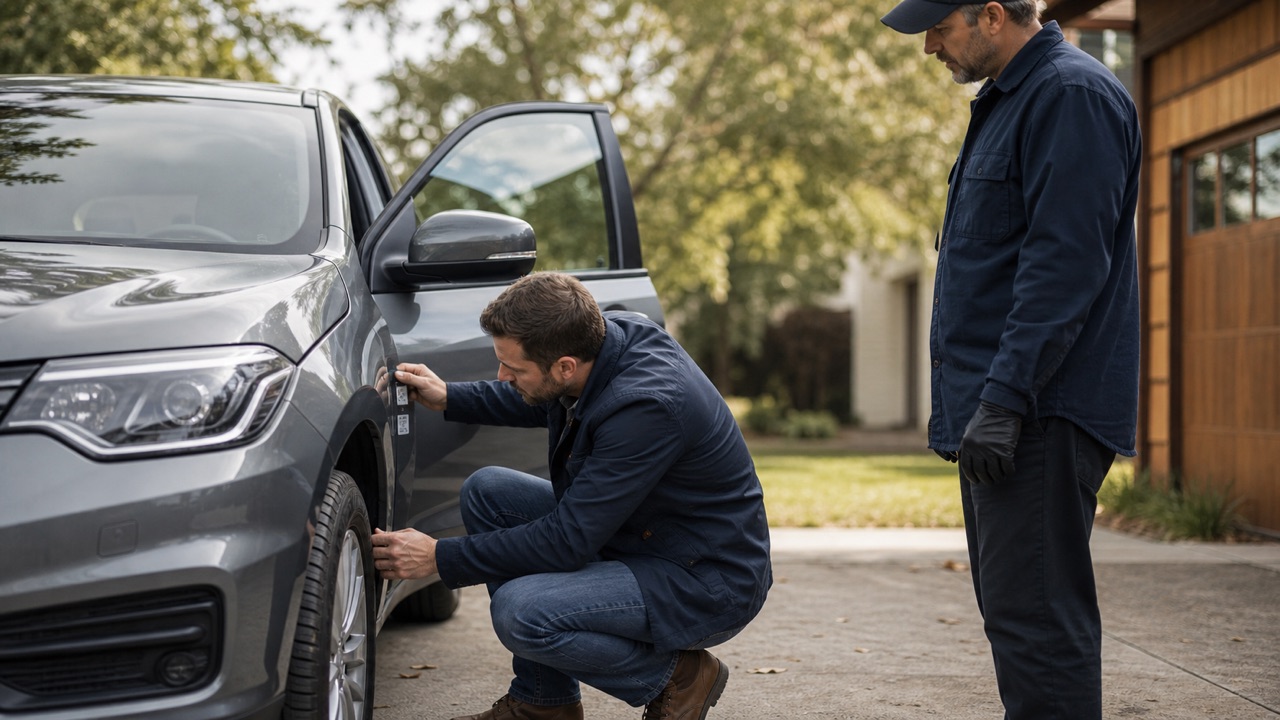
- Meet in daylight, bring another person, test-drive with permission, and use an independent mechanic.
- Verify identification and lien release, sign a bill of sale, transfer title under local rules, and use a traceable agreed payment method.
Checks before you continue
- Do not rely on a seller-provided inspection alone.
- Check NHTSA for open recalls using the VIN.
- Contact the title agency or lender independently when a lien is involved.
- Never send a deposit for a car that cannot be inspected or verified.
Common reasons it does not work
- Out-of-state titles, rebuilt brands, missing signatures, and duplicate-title stories require extra verification.
- A warm engine on arrival can hide cold-start problems.
- A seller with many cars but no dealer disclosure may be acting as an unlicensed reseller.
If the result is different from what this guide describes, stop and note the exact message. Try the desktop website if the app hides a setting, update the app if a menu is incomplete, and use a familiar device for identity or recovery checks. Avoid repeating the same request many times because temporary rate limits can make diagnosis harder.
Safety and privacy notes
Keep early conversations on Facebook, inspect high-value items before paying, and stop if the other party demands gift cards, crypto, a verification code, or an unexplained deposit.
Never use remote-access software or share a screen with an unknown “support agent.” Facebook does not need your password, two-factor code, gift card, or cryptocurrency payment to complete a normal account setting. When a permanent action is involved, keep an independent backup of the information and access records you may need later.
Official source
Review Facebook Help Center: Buy and sell responsibly on Marketplace for the latest labels and eligibility rules. This guide explains the process in plain language, but the options displayed by Facebook for your account are the final authority.
Frequently Asked Questions
What is the biggest risk?
The biggest risks are fake listings, title problems, payment pressure, and skipping inspection.