Facebook Marketplace Cars
A practical guide to browsing Facebook Marketplace cars, checking listings, and avoiding common risks.
Quick answer
Treat a Facebook Marketplace car listing as a lead, not proof of ownership or condition. Verify the seller and title, inspect the vehicle in person, obtain the VIN, check recalls and history, arrange an independent mechanical inspection, and complete payment and transfer through a secure local process.
What this means
Marketplace can make local inventory easy to find, but vehicle sales combine high value, identity, financing, title, safety, and mechanical risk. A polished profile or detailed listing cannot replace document and vehicle checks.
Facebook changes labels and rolls out account features gradually. The exact wording on your device can differ from screenshots or older guides, but the underlying task should remain inside the official app, facebook.com, or Accounts Center. Read the page that appears on your own account instead of forcing a menu path that is no longer present.
Step-by-step
- Compare the asking price with similar year, trim, mileage, and condition before messaging.
- Ask for the 17-character VIN, title status, service records, known damage, and the seller's reason for selling.
- Match the VIN on the dashboard, door label, title, and history records during an in-person meeting.
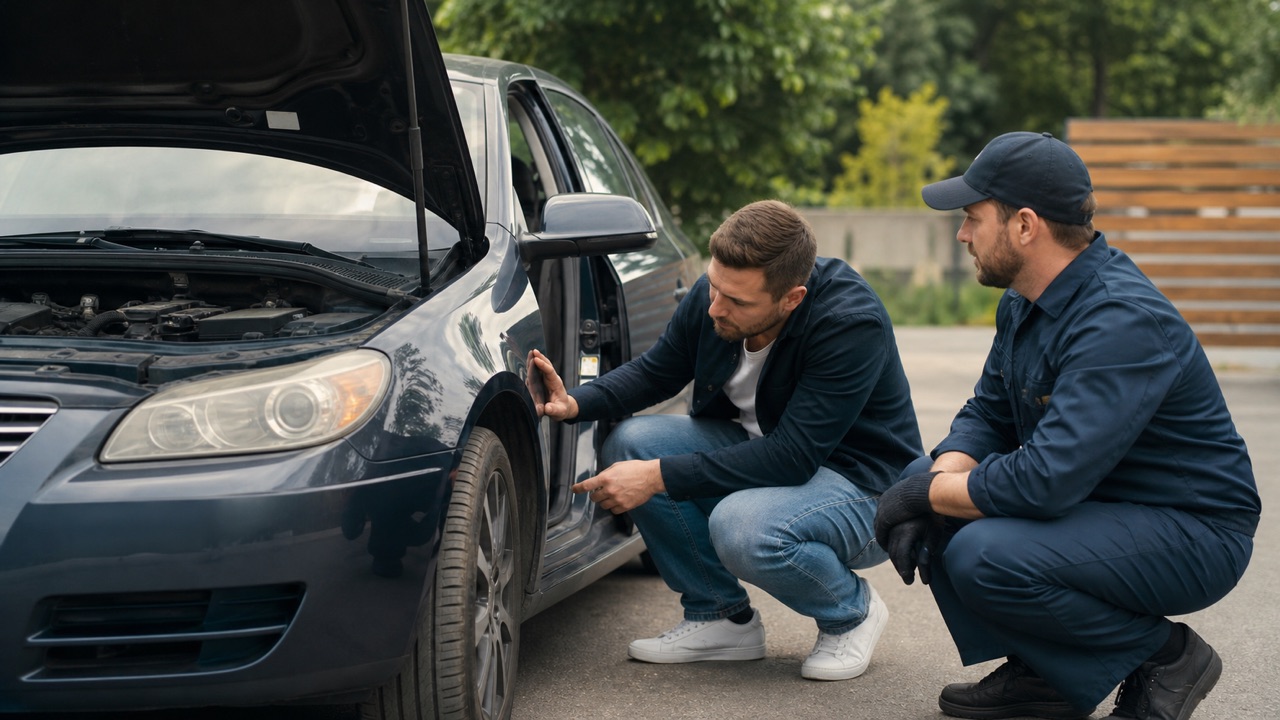
- Check open recalls through NHTSA and pay an independent mechanic for a pre-purchase inspection.
- Complete the bill of sale, title transfer, payment, insurance, and registration under local rules without sending an advance deposit to an unseen vehicle.
Checks before you continue
- The seller's identification should match the title unless a documented legal arrangement explains otherwise.
- A vehicle-history report does not replace an inspection.
- A price far below the local market is a reason for more verification, not faster payment.
- Avoid gift cards, crypto, overpayment stories, escrow links supplied by the seller, and remote shipping excuses.
Common reasons it does not work
- Title washing, undisclosed liens, cloned VINs, flood damage, and curbstoning can be difficult to spot online.
- A seller who refuses an inspection or public meeting is increasing your risk.
- Listings copied from other sites can use real photos of a vehicle the poster does not own.
If the result is different from what this guide describes, stop and note the exact message. Try the desktop website if the app hides a setting, update the app if a menu is incomplete, and use a familiar device for identity or recovery checks. Avoid repeating the same request many times because temporary rate limits can make diagnosis harder.
Safety and privacy notes
Keep early conversations on Facebook, inspect high-value items before paying, and stop if the other party demands gift cards, crypto, a verification code, or an unexplained deposit.
Never use remote-access software or share a screen with an unknown “support agent.” Facebook does not need your password, two-factor code, gift card, or cryptocurrency payment to complete a normal account setting. When a permanent action is involved, keep an independent backup of the information and access records you may need later.
Official source
Review Facebook Help Center: Buy and sell responsibly on Marketplace for the latest labels and eligibility rules. This guide explains the process in plain language, but the options displayed by Facebook for your account are the final authority.
Frequently Asked Questions
Should I buy a car without seeing it?
Avoid buying without inspection, title checks, and a safe payment plan.