Facebook Two-Factor Authentication Problems
What to do when Facebook two-factor codes are missing, delayed, or not accepted.
Quick answer
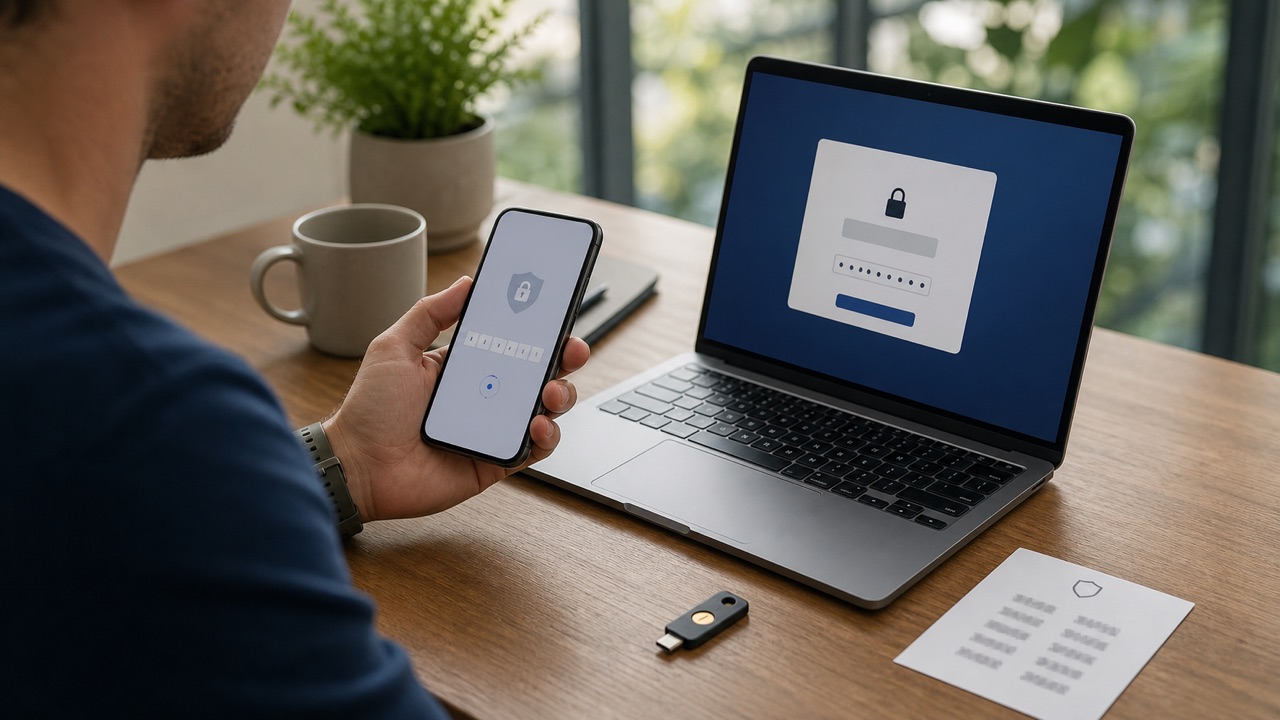
Use Try another way to select an authentication app, SMS method, security key, recognized-device approval, or saved recovery code that was already configured. Do not ask another person to receive or relay a code.
What this means
Two-factor problems often come from an incorrect device clock, delayed SMS, a replaced phone, or a code entered after it expired. Recovery options are strongest when they were saved before the lockout.
Facebook changes labels and rolls out account features gradually. The exact wording on your device can differ from screenshots or older guides, but the underlying task should remain inside the official app, facebook.com, or Accounts Center. Read the page that appears on your own account instead of forcing a menu path that is no longer present.
Step-by-step
- Set the phone's date and time to automatic and generate a fresh authenticator code.
- Choose Try another way and review only methods that belong to you.
- Check SMS signal, blocked senders, and the phone number ending shown by Facebook.
- Use one unused recovery code or approve the attempt from a device that is still logged in.
- After access returns, add a backup method and regenerate recovery codes.
Checks before you continue
- Each recovery code can normally be used only once.
- Never send a two-factor code to a caller, friend, seller, or supposed support agent.
- An authenticator app may need to resynchronize time after a device transfer.
- Keep backup codes somewhere separate from the protected phone.
Common reasons it does not work
- Requesting many SMS messages can delay delivery and make older codes invalid.
- A changed phone number requires account recovery if no other method remains.
- A compromised account may have an attacker-added method, so use the hacked-account flow.
If the result is different from what this guide describes, stop and note the exact message. Try the desktop website if the app hides a setting, update the app if a menu is incomplete, and use a familiar device for identity or recovery checks. Avoid repeating the same request many times because temporary rate limits can make diagnosis harder.
Safety and privacy notes
A legitimate recovery process never requires you to tell another person your password or one-time code. Open Facebook directly, protect the connected email account, and stop if a caller or message creates urgency or asks for payment.
Never use remote-access software or share a screen with an unknown “support agent.” Facebook does not need your password, two-factor code, gift card, or cryptocurrency payment to complete a normal account setting. When a permanent action is involved, keep an independent backup of the information and access records you may need later.
Official source
Review Facebook Help Center: How two-factor authentication works for the latest labels and eligibility rules. This guide explains the process in plain language, but the options displayed by Facebook for your account are the final authority.
Frequently Asked Questions
Why is my 2FA code not working?
Codes may fail because of time sync issues, expired codes, phone delivery delays, or using the wrong account.