My Facebook Account: Settings and Safety Checklist
A simple checklist for reviewing your Facebook account settings, login security, privacy, and recovery options.
Quick answer
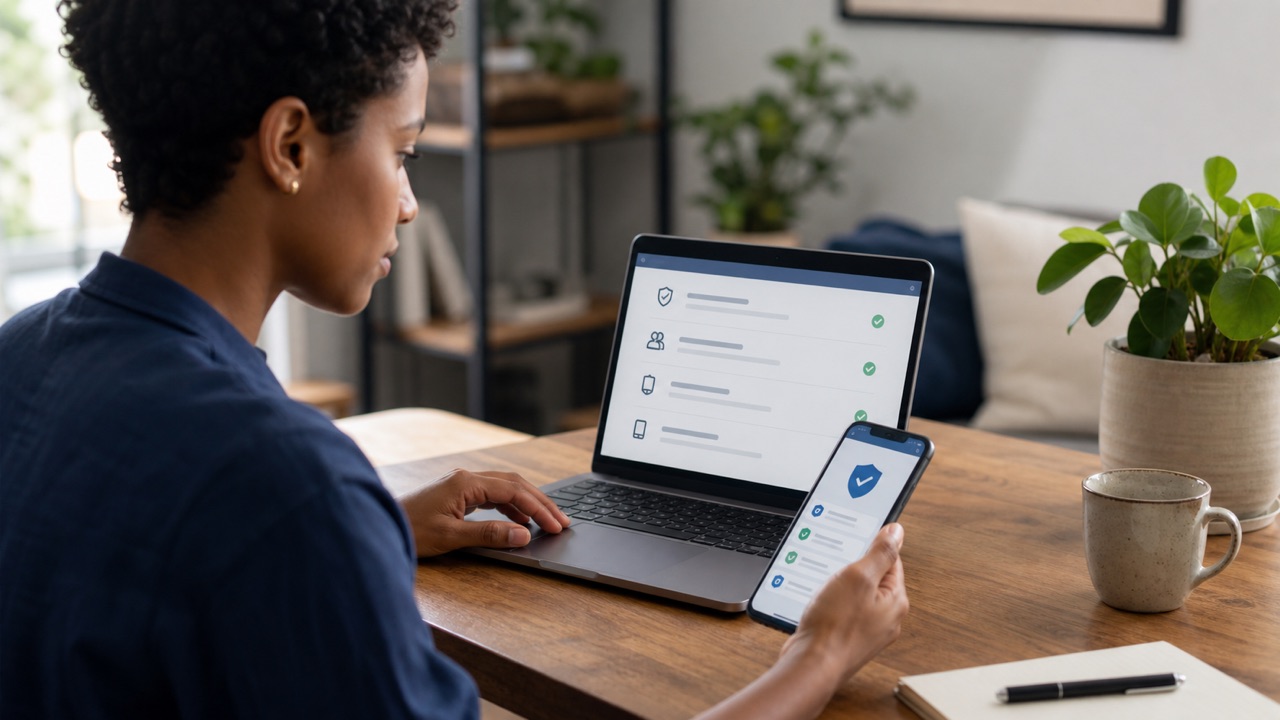
Treat ‘My Facebook account’ as a regular maintenance check: confirm recovery details, review active sessions, update the password if needed, turn on two-factor authentication, and run Privacy Checkup.
What this means
Account settings are split between the Facebook profile and Accounts Center. A short review every few months helps prevent lockouts, limits accidental public sharing, and makes suspicious activity easier to spot.
Facebook changes labels and rolls out account features gradually. The exact wording on your device can differ from screenshots or older guides, but the underlying task should remain inside the official app, facebook.com, or Accounts Center. Read the page that appears on your own account instead of forcing a menu path that is no longer present.
Step-by-step
- Open Accounts Center and confirm that your email address and phone number are current.
- Review Password and security for unfamiliar logins, weak credentials, and two-factor authentication settings.
- Run Privacy Checkup and inspect who can see profile details, future posts, and older public posts.
- Review connected apps and websites and remove access that is no longer needed.
- Check Page roles, Marketplace conversations, and advertising access for unexpected changes.
Checks before you continue
- Use a unique password and secure the connected email account.
- Save recovery codes outside the device used for two-factor authentication.
- Keep personal contact details restricted to the smallest useful audience.
- Log out of shared computers rather than only closing the browser tab.
Common reasons it does not work
- A missing profile may be a login, disabled-account, or additional-profile issue rather than deletion.
- Unexpected Page or ad activity can indicate compromised business access.
- A changed email or password should be handled through account recovery immediately.
If the result is different from what this guide describes, stop and note the exact message. Try the desktop website if the app hides a setting, update the app if a menu is incomplete, and use a familiar device for identity or recovery checks. Avoid repeating the same request many times because temporary rate limits can make diagnosis harder.
Safety and privacy notes
Account changes can affect Pages, groups, Messenger, Marketplace, and third-party services. Confirm the selected profile at every step, keep a separate recovery method, and take screenshots of important warnings before a permanent action.
Never use remote-access software or share a screen with an unknown “support agent.” Facebook does not need your password, two-factor code, gift card, or cryptocurrency payment to complete a normal account setting. When a permanent action is involved, keep an independent backup of the information and access records you may need later.
Official source
Review Facebook Help Center: Privacy Checkup for the latest labels and eligibility rules. This guide explains the process in plain language, but the options displayed by Facebook for your account are the final authority.
Frequently Asked Questions
What should I review first?
Start with password, two-factor authentication, recovery email, phone number, active sessions, and privacy settings.